Pressure-test your case before you take it into the room.
Describe what you're presenting and who will be there. Pygar prepares the strongest objections, the evidence you'll be asked for and a stronger opening, including how you make your ask.
Use Challenge me to hear the hardest questions first, then rehearse your answers.
Adding your documents
You can add the proposal, deck, business case, notes or report itself: PDF, Word, PowerPoint or text, up to three per Meeting Challenge. Your device reads the file and shows you what Pygar will read; only its text is sent, and only once you agree, for that Meeting Challenge alone. You can remove a document at any time.
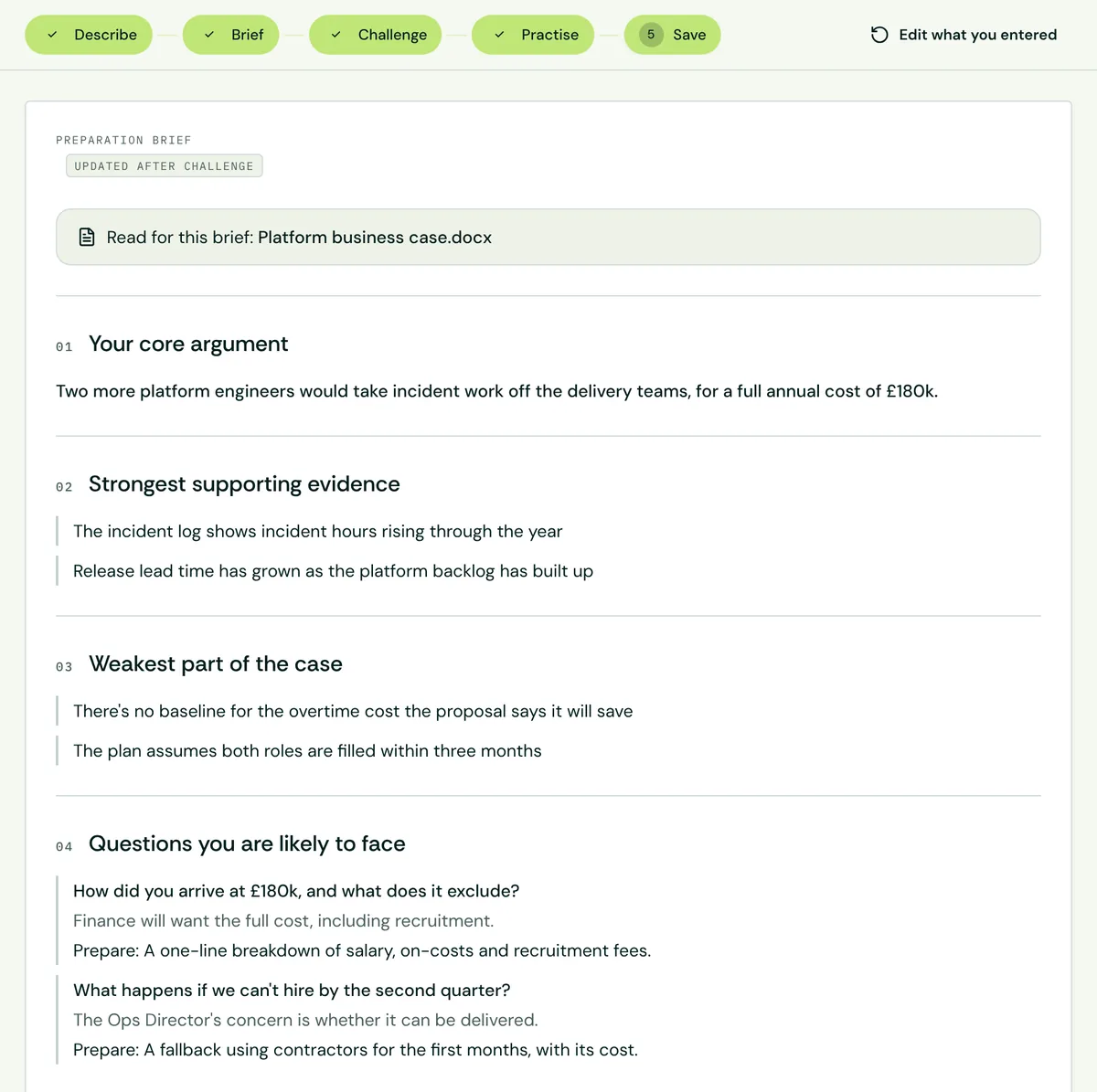
Example preparation brief from the product. The guide explains the steps; the screenshot shows the kind of structured output to expect.See the full Meeting Challenge workflow