
01
Set up your organisation
Create your organisation and its units. Give each colleague their own private workspace for preparing difficult conversations, meetings and decisions.

Create your organisation and its units. Give each colleague their own private workspace for preparing difficult conversations, meetings and decisions.
Create and share an individual invitation link. Each link is valid for seven days and can only be accepted by the invited email address.
Colleagues can answer 16 questions to explore their communication preferences and write a Card describing how they like feedback, information and change.
Each person controls whether their Card appears in the directory or is shared with eligible managers. Their personal preparation stays private.
How a manager might use Pygar
A proposed change might look straightforward until colleagues raise questions about evidence, delivery or the impact on their teams. A manager can use Meeting Challenge to test the case, explore assumptions and practise difficult questions before presenting it.
If attendees have shared their communication preferences, the manager can consider how best to explain the same proposal to each person. Pygar does not predict their reactions or decide for them.
Explore Meeting Challenge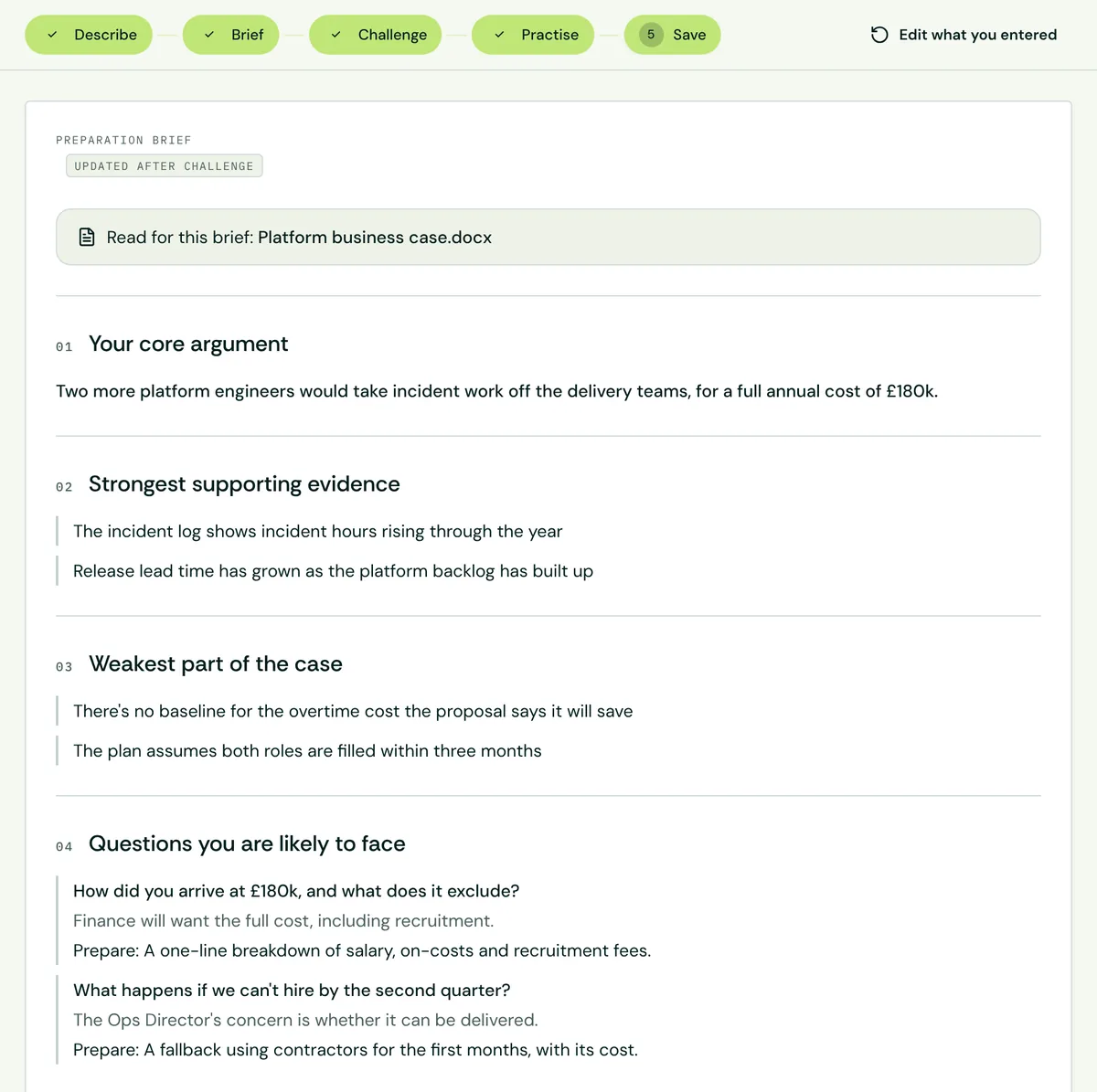
Owners and admins can invite members, assign roles and organise units. Members can choose to share Communication Cards, with manager visibility restricted to permitted units. Organisation roles do not provide access to anyone’s private sessions, situations, people notes or reasoning. These boundaries are enforced by the database.
Red, Yellow, Green and Blue describe ways people may prefer information to be delivered. They are not personality diagnoses or measurements of capability, and they must never be used as evidence for a people decision. The aim is to encourage curiosity, consideration and better working conversations.
Understand the four communication colours